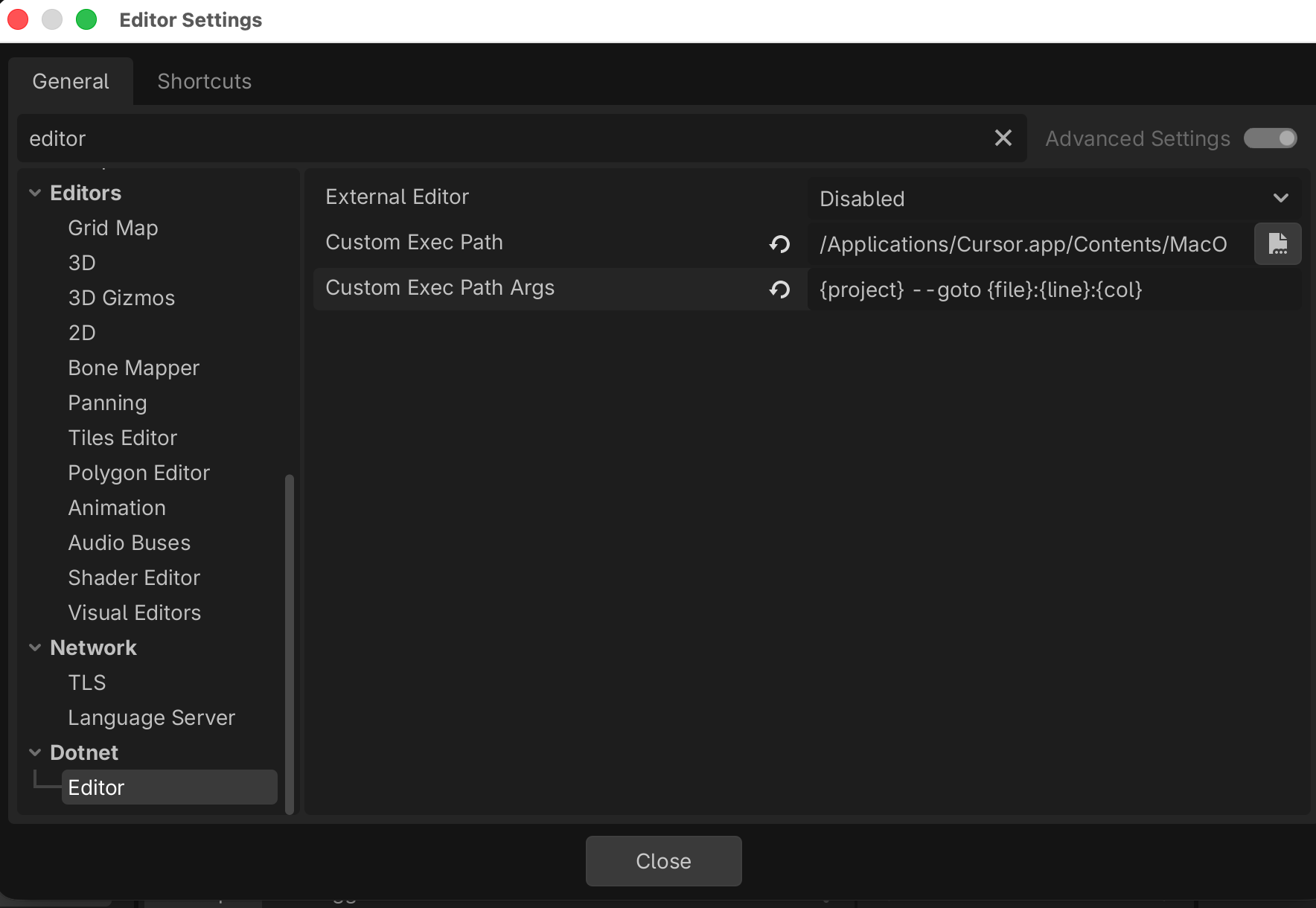
Godot can open scripts in an external editor, but the setup is a little different when you want to use Cursor or VSCode. This is how I configured Godot to do it for Cursor.
In your Editor Settings, set the following:
| Setting | Value |
|---|---|
| External Editor | Disabled |
| Custom Exec Path | /Applications/Cursor.app/Contents/MacOS/Cursor |
| Custom Exec Path Args | {project} --goto {file}:{line}:{col} |